IP multicast simulation
ENP supports the Source-Specific Multicast method, implemented according to the PIM (Protocol Independent Multicast) protocol (RFC 7761 and related), where each IP multicast flow has one configured source node.
Static and RPF-based multicast flows
In ENP, the user can define the multicast flow origin node, and one or more destination nodes, that are supposed to register (e.g. using PIM source-specific multicast trees) to consume the flow.
All nodes must be internal, although they could belong to different AS. However, for RPF-based IP multicast flows are simulated in the same form as if all the nodes belonged to the same AS.
For a link to be part of a multicast tree, it has to be a bidirectional IP link (not an MPLS-TE tunnel), with PIM enabled on the IP interfaces in both ends.
ENP permits the definition of two types of multicast flows, corresponding with the behavior and failure reaction of two forms of multicast flow configurations:
- Statically routed trees. This behavior represents multicast flows realized in production networks using static routes mroute at the IP nodes. In ENP, the user can select the multicast tree propagating the flow content, from a set of optimized tree alternatives presented. ENP simulates the reaction of static routed PIM multicast flows. This means that failures affecting mroutes may make some or all of the receivers to become disconnected and do not receive the traffic. This happens for the egress nodes which do not have a bidirectional failure-free path from the origin and to the destination, inside the configured tree.
- Reverse-Path-Forwarding based (RPF-based) trees. In this case, the delivery of the content from the user to the registered listeners is created automatically using the Reverse Path Forwarding algorithm that characterizes PIM (RFC 7761) and thus is affected by IGP weights for path creation. The tree is recomputed after failures/repairs, re-applying RPF, simulating the PIM behavior.
Creation and manipulation of IP multicast flows
The user can observe different metrics, such as type, traffic, end-to-end latency or length, on the IP multicast flows created in this table.
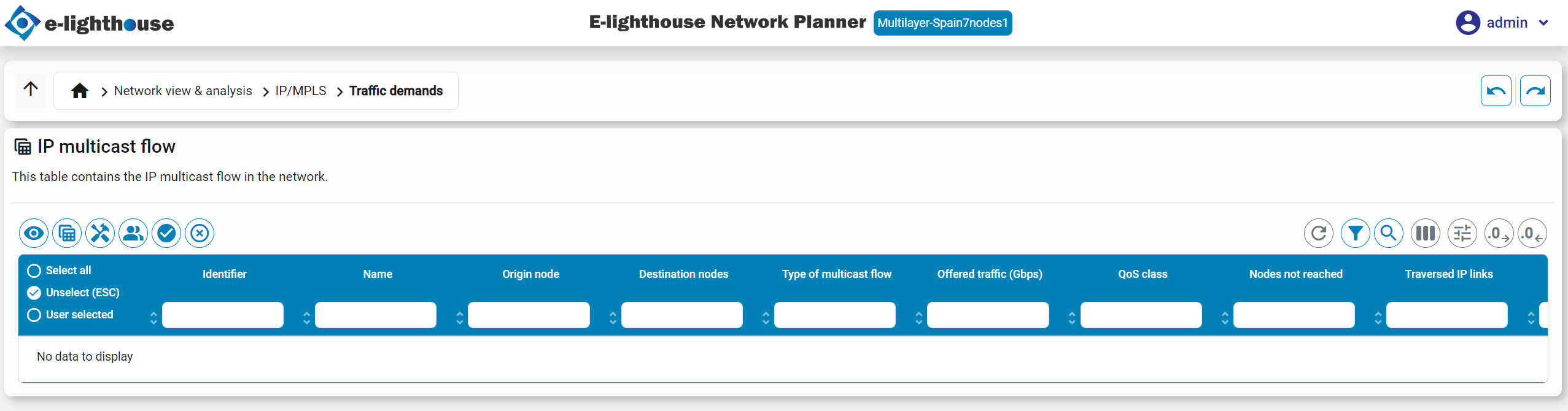
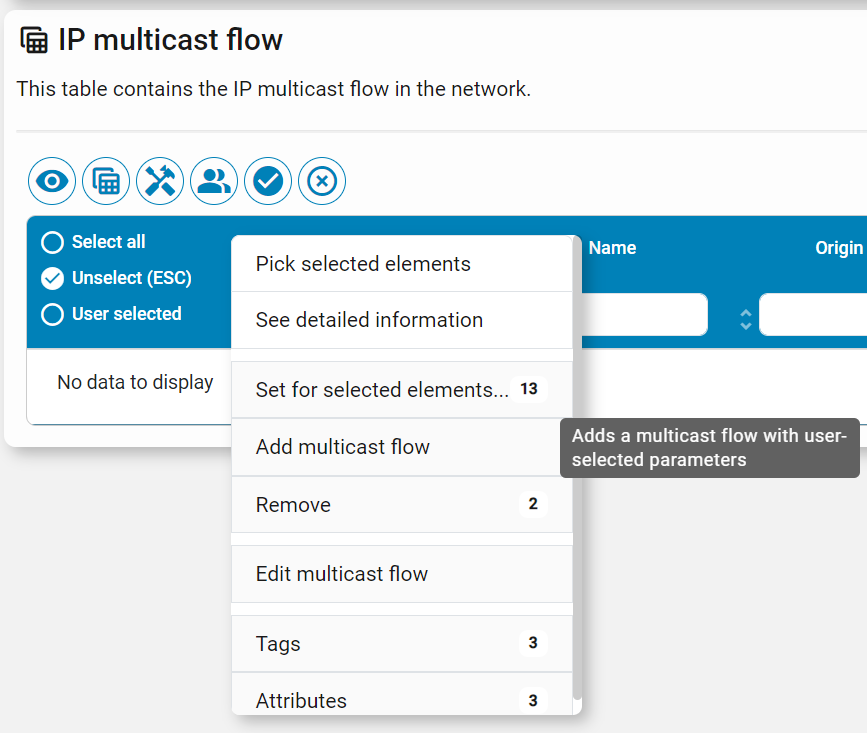
The user can manually create IP multicast flows using this right-click option.